
The full VCF contact payload is embedded directly in the QR code.
Scan with the phone camera and open the add-contact screen instantly.
Generate 25, 1,000 or unlimited cards per batch, depending on your plan.
Export PNG cards and use them wherever your team actually works.

The problem
Contact sharing should not need a platform in the middle.
Most digital business card tools send every scan through hosted profiles, redirects, apps or subscription-gated workflows. EBCard Studio keeps the contact payload inside the QR code, so the card works anywhere after export.
Your team gets polished branded cards that people can save from the phone camera, without asking the recipient to install an app or open another account.
The QR code contains the contact. Not a link to another platform.
EBCard Studio
- Opens native add-contact screen
- Works offline
- Exports as PNG
- Self-contained VCF QR
- Branded for your team
Typical Business Card
- Routes to a hosted profile
- Needs internet
- Depends on vendor platform
- Adds friction
- Requires ongoing platform availability
Pricing preview
Coffee-money pricing.
Serious batch power.
Paid monthly via Stripe. Sign up with email or Google SSO.
Business
$5.99/month
Simple team card generation for one brand template and smaller batches.
- Unlimited card creation
- 1 saved template
- 25 cards per batch
- Express Mode and CSV upload
- ZIP export and job rerun
- No watermark
Pro
$14.99/month
Unlimited templates and larger batches for agencies and growing teams.
- Unlimited card creation
- Unlimited templates
- 1,000 cards per batch
- Persistent asset library
- No watermark
Enterprise
Custom annual terms
For large organisations that need dedicated infrastructure and unlimited production.
- Unlimited card creation
- Unlimited job queue
- Dedicated infrastructure
- Manual onboarding
- Production support
How it works
From template to team batch in minutes.
Design once, add people manually or by CSV, preview each card, then export a ZIP of finished PNG cards.
Choose or create a template
Start with the default design, use one of around 30 built-in backgrounds, or upload your own branded image.
Add your brand assets
Upload your logo, background and QR icon, then tune the overlay so the card stays readable and polished.
Add your people
Use Express Mode for quick manual entry, or download the CSV template and upload your team list.
Preview every card
Navigate through the batch and see the live preview update before anything is generated.
Generate and export
Download a ZIP of PNG cards. Each card contains a self-contained VCF QR code ready for contact saving.
Rerun whenever needed
Saved jobs can be regenerated later, so teams can recover expired ZIPs or repeat a previous batch.

Features
Design once. Generate everyone’s card.
EBCard Studio is designed for teams that need branded cards produced quickly, consistently and without fragile scan destinations.
Self-contained VCF QR Codes
Every QR code contains the contact payload directly. No hosted profile, no redirect, no internet dependency.
Native iOS and Android Support
Scanning with the native camera opens the add-contact flow directly, with the contact details ready to save.
Fast Batch Generation
The server-side generation engine creates even large batches in seconds and exports everything as a clean ZIP.
Express Mode
Manually create and edit a batch using a simple input form. Ideal for quick updates and smaller teams.
CSV Upload
Download the template, fill in your team data, upload it, preview the batch and generate.
Saved Templates
Edit, duplicate and delete templates. Use different designs for teams, departments, clients, campaigns or events.
Persistent Asset Library
Upload backgrounds, logos and QR icons once, then reuse them across current and future templates.
Locked-down QR Styling
QR foreground colour can be customised within safe contrast limits, so the card stays scannable.
Global Script Support
Supports multilingual teams using scripts including Chinese, Thai, Korean, Russian, Indian scripts and Arabic.

Offline advantage
Your business card should not need the internet.
EBCard Studio embeds the full VCF contact data directly inside the QR code. That means the card does not need to call a server, open a profile page, load a landing page or ask the recipient to install anything.
Once exported, your card is yours. Use it anywhere.
No connection required once the card is generated.
No more relying on overloaded event Wi-Fi.
The contact payload is already inside the QR code.
The card remains useful without depending on a hosted profile.
Scan with the phone camera, review the contact and tap save.
Organisation-wide deployment
Cards for every team, department, event and location.
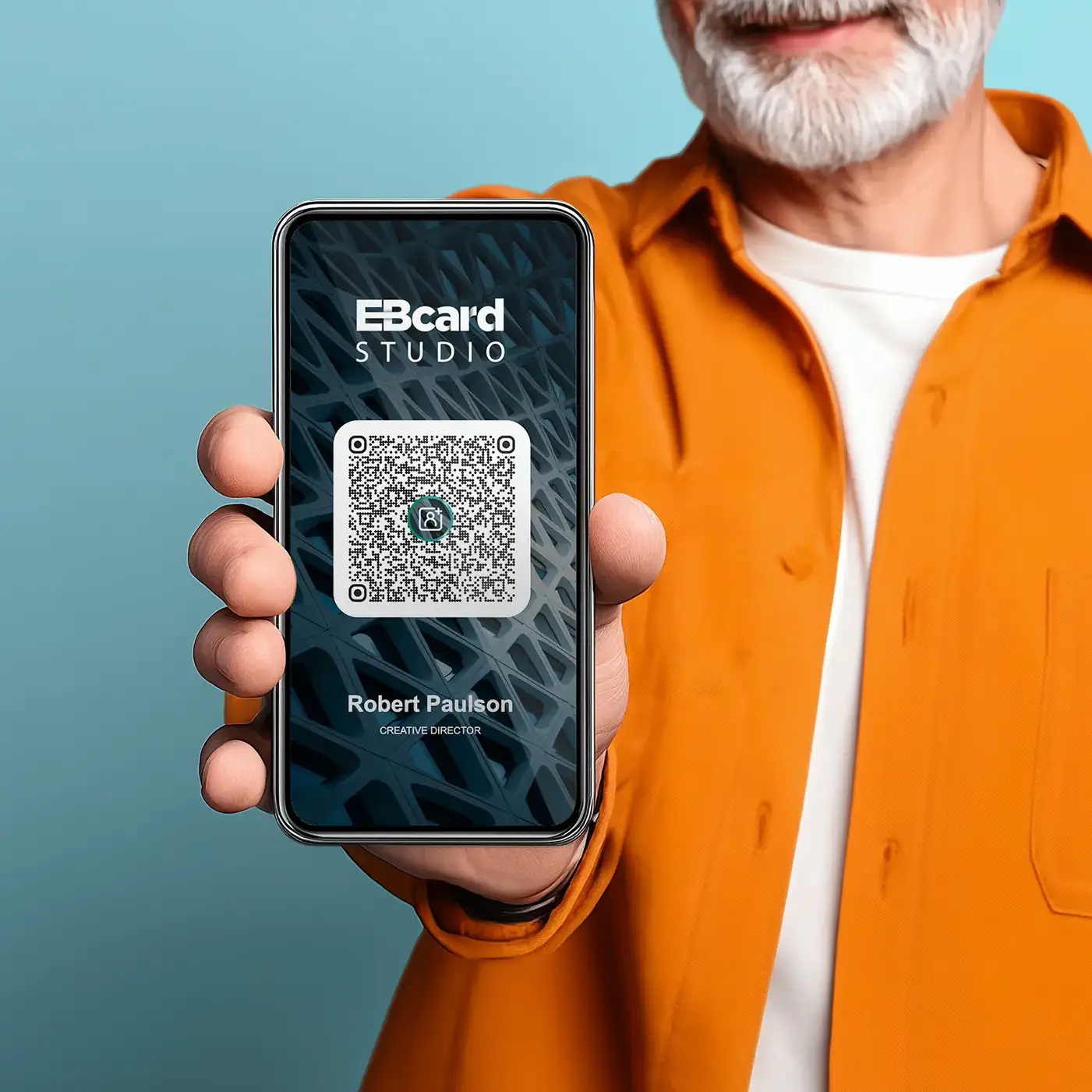
Produce consistent contact cards across the organisation while keeping each person’s details ready to save natively from the QR code.
Use cases
One workflow for staff, clients, events and field teams.
Support permanent teams, temporary event staff, sales groups, real estate agents, recruiters and client-facing departments with one repeatable workflow.
Company Staff Cards
Generate cards for employees, leadership, departments and regional teams.
Sales Teams
Give reps a card prospects can scan and save immediately after a meeting.
Events and Conferences
Create cards for booth staff, speakers, hosts, sponsors and temporary teams.
Agencies
Manage reusable card templates for multiple clients and generate batches without rebuilding designs.
Recruitment
Help candidates save recruiter details instantly at job fairs and interviews.
Real Estate and Hospitality
Give agents, concierge teams and guest-facing staff polished contact cards that work anywhere.


Templates
Brand control without design drift.
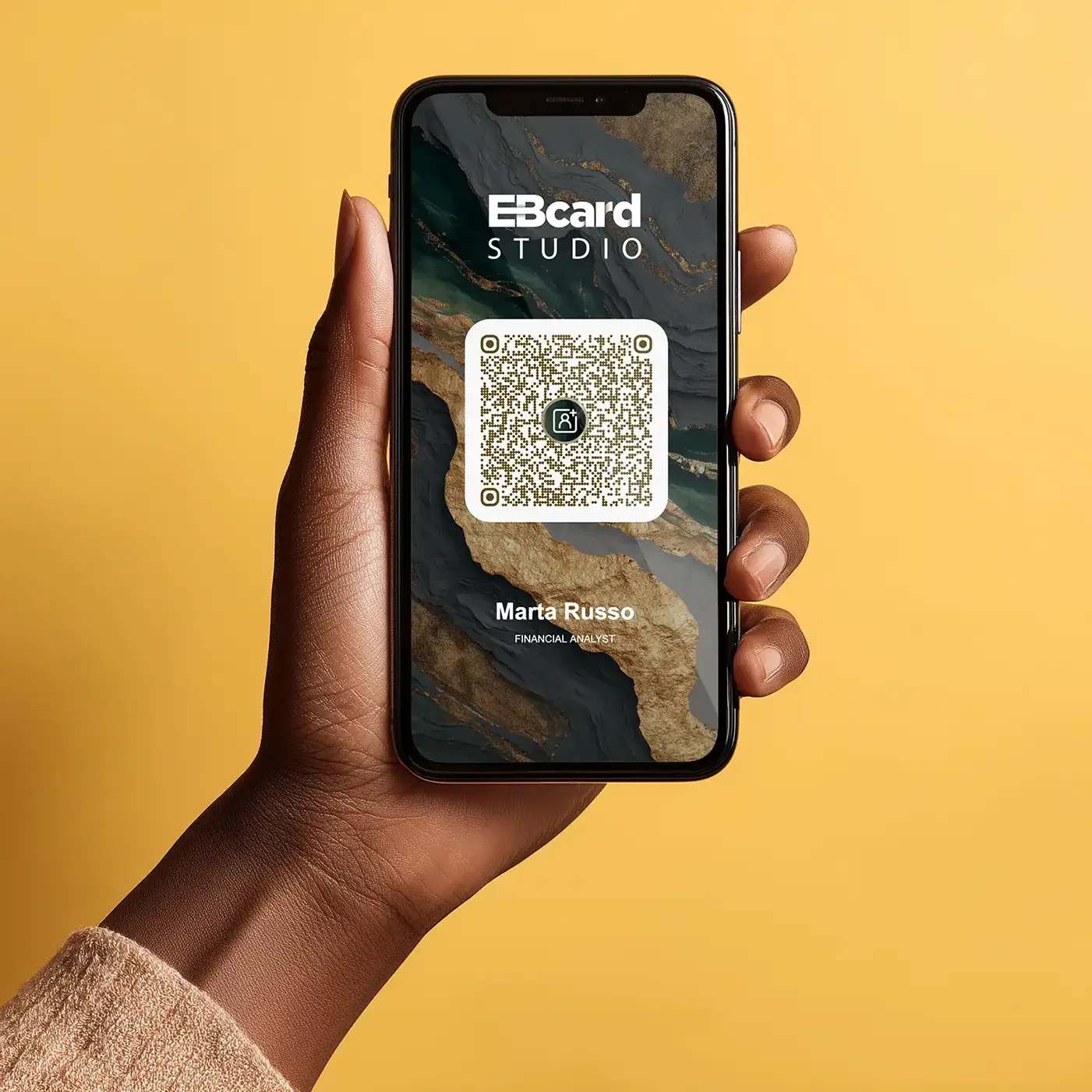
EBCard Studio gives users the controls they need while keeping the card system structured. Upload the logo, background and QR icon, tune the overlay, preview the batch and export.
The layout stays consistent, so every card remains polished, readable and scannable.
- Upload your own backgrounds
- Tune overlays for sharp contrast
- Add your logo and QR centre icon
- Duplicate templates for departments, regions, clients or events

EXPRESS
Manual when you want control.
For smaller teams, quick jobs or last-minute changes.
- Build a batch manually
- Add and edit people through a simple form
- Preview every card instantly
- Generate when ready
BATCH
Batch when you want speed.
For larger teams and structured staff lists.
- Download the CSV template
- Fill in name, role, company and contact details
- Upload the file and preview the batch
- Generate the ZIP

Contact fields
Everything needed to save the contact properly.
Each generated QR code creates a VCF contact payload using the fields your team actually needs. Only a name and one contact method are required. Blank fields are ignored cleanly.
No hosted profile detour. No social network layer. Just the contact details, ready to save.
Name
Job Title
Company
Email
Alternative Email
Desk Phone
Mobile Phone
Website
Cards in your language
Built for international teams and global scripts.
EBCard Studio supports multilingual teams using scripts including Chinese, Thai, Korean, Russian, Indian scripts and Arabic. Names and titles are handled cleanly so global teams can keep one consistent card system.
Why EBCard Studio
Designed for ownership, not dependency.
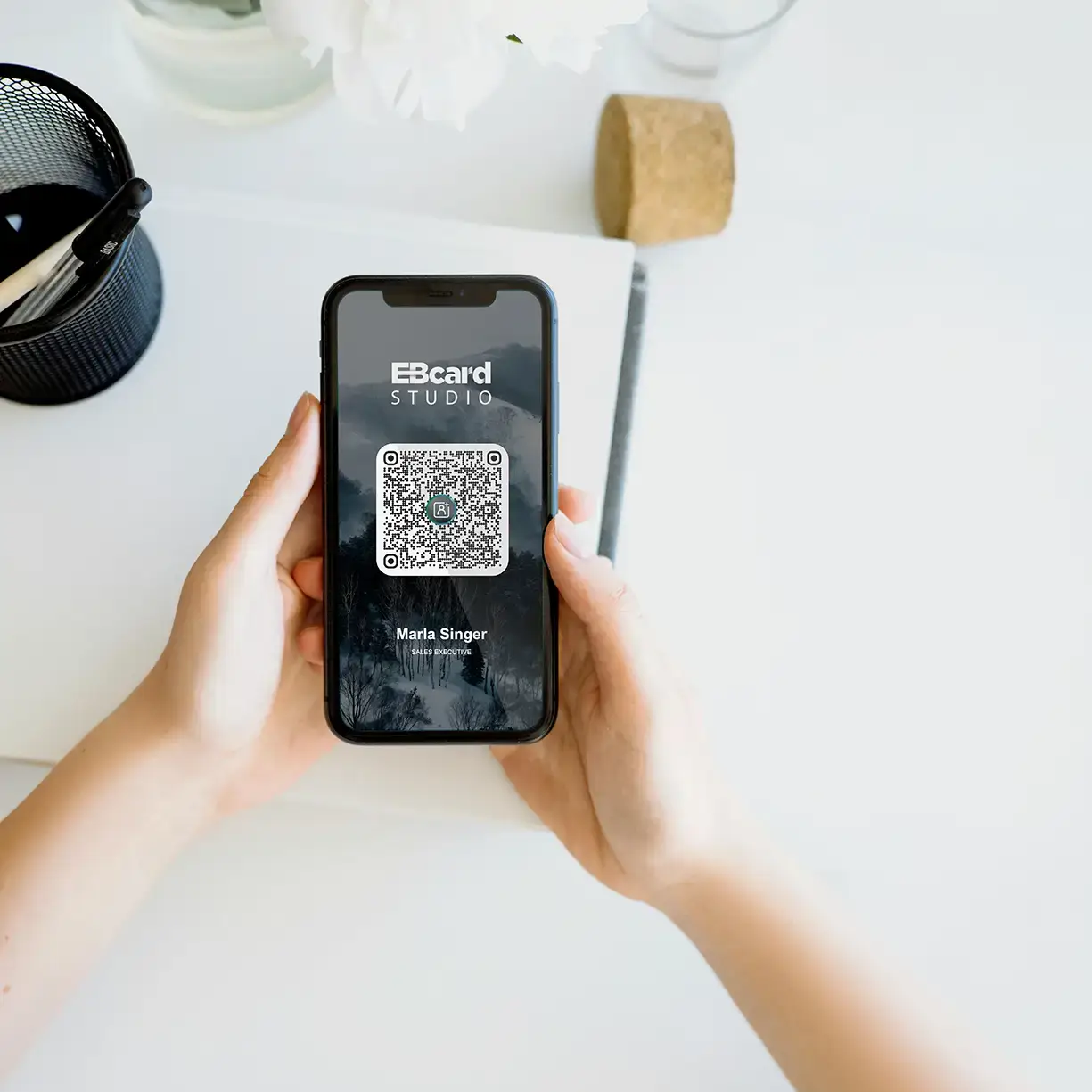
Business cards should make contact exchange easier. EBCard Studio avoids hosted-profile dependency and keeps the contact payload inside the card itself.
Create the card, encode the contact, export the batch and use it anywhere.
The contact payload lives inside the QR.
The phone camera is enough.
The card is built for contact saving, not surveillance.
The workspace is structured so cards stay polished.
Enterprise
Enterprise card programmes, handled cleanly.
Enterprise customers get manual onboarding, dedicated infrastructure, custom features and an unlimited job queue. Ideal for larger organisations, agencies with high-volume clients and corporate rollout programmes.
Create your first batch of offline QR contact cards.
Build a branded template, add your people, preview the cards and export the ZIP. Scan with the phone camera. Review the contact. Tap save.